 RoomDisk
Back up trip photos anywhere, even with no internet
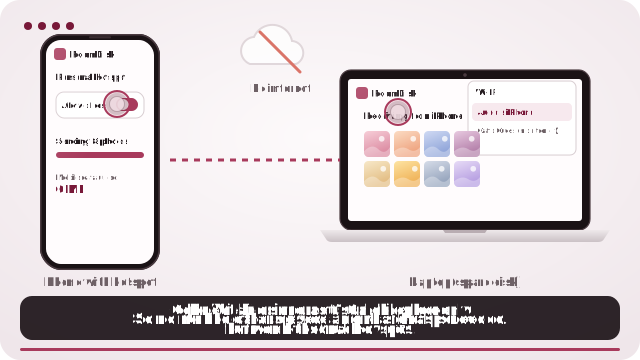
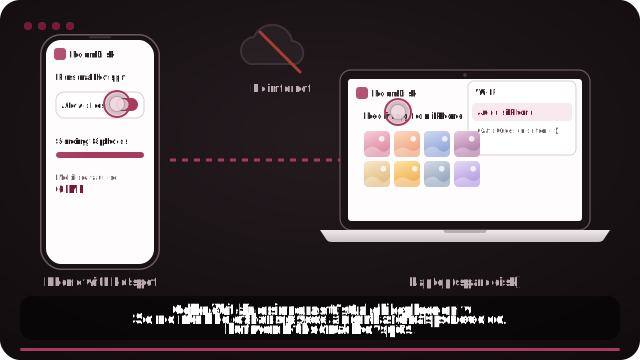
Hotel Wi-Fi is slow and roaming data is expensive. With one phone’s hotspot, you can copy the day’s photos to a tablet or laptop you brought, no internet involved.
Why it fits
- Works offline after one visit: add a shortcut before you leave.
- Uses no mobile data, even on a hotspot.
- Keep a second copy so a lost phone isn’t lost photos.
- Frees space on the phone for the rest of the trip.
How it works
- Open roomdisk.com/app on the device that will keep the files and choose Use this device as the spare disk. It shows a QR code.
- On the phone or computer with the files, scan that code. A phone’s Camera app works: tap the roomdisk.com link that pops up. RoomDisk opens and shows its own code.
- On the spare disk, tap Scan reply and hold the phone’s screen up to its camera. (No camera there? Tap Share reply on the phone and open it on the disk device.)
- Both screens say Connected. Choose files and send. Each file is checked when it lands.
Before you leave
Open RoomDisk once on both devices (or add a shortcut) while you have internet. That’s all it needs to work offline.
Try it with the two devices you have
Free to start. Nothing to install, no account.